Voir Dire Strategy
Jury Simulator That Lets You Rehearse the Panel Before Court
Jury Simulator helps attorneys build a mock panel from their case facts and then open individual jurors for branching voir dire practice. Instead of abstract jury advice, the app gives you a case summary, a pool of potential jurors, and juror-specific paths you can explore one by one.
How It Works
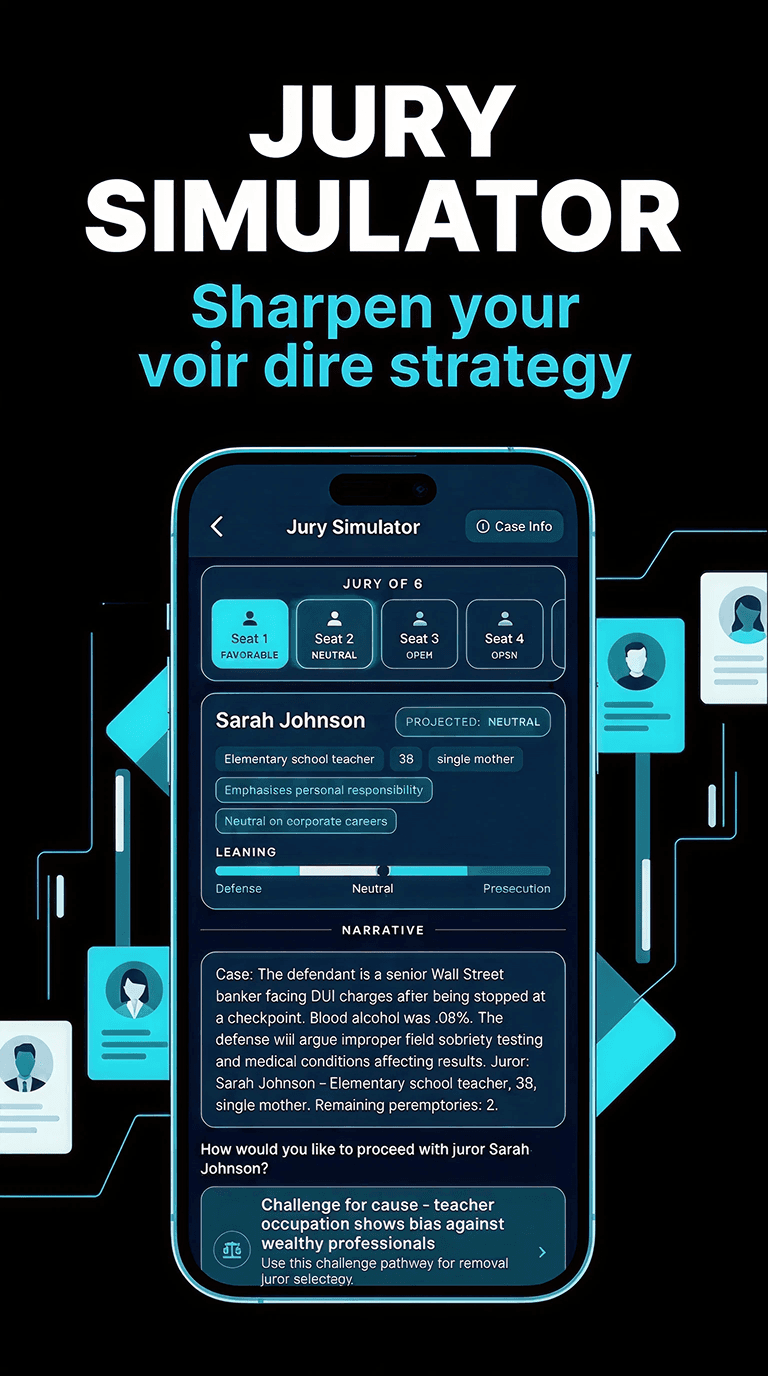
Enter the facts, choose your side, and generate a jury pool sized for the panel you want to practice. Each juror appears with summary information and a projected lean, making it easier to think through how the panel is taking shape.
From there, you can open a juror and load a branching voir dire scenario. The simulator surfaces narrative context, background details, tags, bias cues, and a favorability indicator so you can decide whether to press, rehabilitate, challenge for cause, or save your strikes.
That means the feature is not just “generate random jurors.” It is a practical drill for how you question, assess, and manage a panel in a case-specific setting.
What You Can Practice
Each juror carries background traits, tags, and a projected favorability range that helps you think through strike strategy.
The simulator is designed for juror-by-juror drilldown rather than generic jury advice, so the training stays concrete.
It is useful for rehearsing cause challenges, peremptory decisions, and the tone of your voir dire follow-up questions.
Built Around Case Facts
Because the jury pool is generated from your fact pattern and your side of the case, the practice feels much closer to real voir dire preparation than a generic list of sample juror questions.